Real archive footage for your script, found by Claude.
Describe the shot you need. Find Any Footage searches inside public-domain films from NASA and the Prelinger Archives, shot by shot, and gives you the exact seconds, the licence and a trimmed MP4. Nothing is AI-generated.
Free search and previews. 10 clip downloads a month free. No install, no API key.
6,933 shots indexed from 98 films (13 hours of footage), and growing.
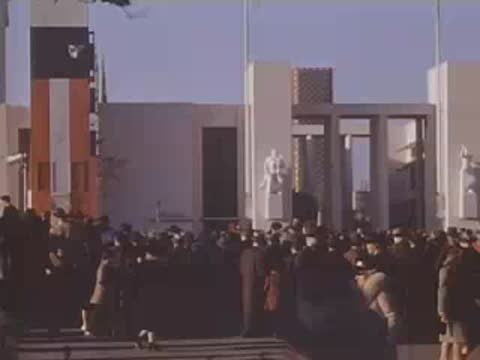 Crowds at the New York World's FairWathen collection, 1939 · 10:55
 A student raises his handResponsibility, 1953 · 4:48
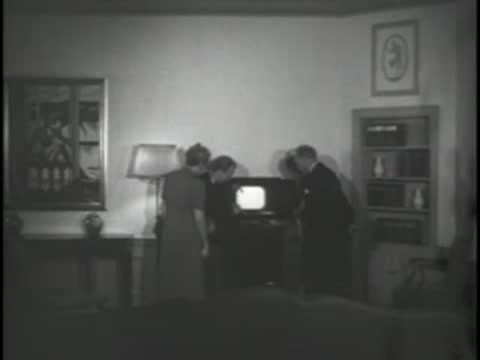 A family watches televisionRCA: Television, 1939 · 1:56
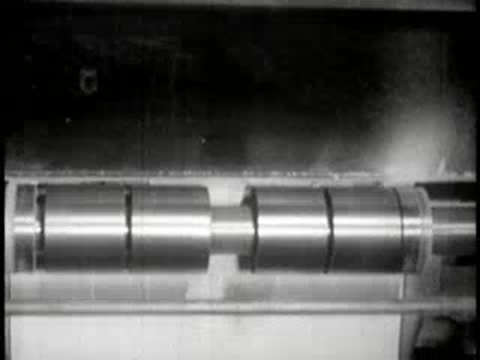 A newspaper press runningIndustry on Parade, 1950s · 4:44
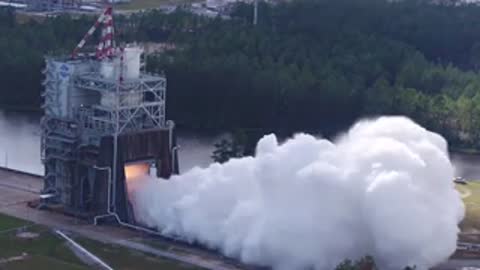 Rocket engine test firingNASA SLS resource reel, 2019 · 2:22
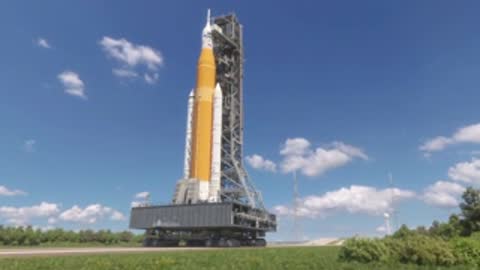 A rocket rolls outNASA SLS resource reel, 2019 · 13:19
The 8 seconds you need are inside a 15-minute reel
Archives let you search films by title. Their descriptions say what a film is about, not what is on screen at 4:48. So you download the reel and scrub through it. Find Any Footage has watched every shot and written down what it shows, so a search finds the moment, not the film.
How it works
- Step 1
Add the connector
One click adds it to Claude. Sign in once, and it works in Claude on the web, on your phone, in Claude Desktop and in Claude Code.
- Step 2
Describe the shot
Write your script with Claude as usual, then ask for footage: "find shots for each line" or "a 1950s family watching TV". You get the matching shots with a preview, the exact seconds and the licence.
- Step 3
Download the clip
Pick a shot and Claude hands you a trimmed MP4 of just those seconds, cut from the archive's best copy, plus the credit line for your description.
From script to shot list
Three lines of a script about 1950s America, and the shots Claude found for them in this index:
- “By 1939, television was the marvel of the World's Fair…”Crowds at the New York World's FairWathen collection (1939), 10:55.1–11:00.9 · Public domain
- “…and soon it was in the living room.”A family gathered round a television consoleRCA Presentation: Television (1939), 1:56.1–1:58.8 · Public domain
- “A generation grew up asking questions.”A student in a 1953 classroom raises his handResponsibility (1953), 4:48.7–4:56.4 · Public domain
Every clip comes with its paperwork
Each shot shows its licence and the exact archive field it was read from, so you can check it. The credits tool writes the credit lines for your description.
Only sources with clear public-domain records are indexed. NASA's produced features, whose soundtracks may carry licensed music, are marked and their clips muted. How licences work
Set it up in your app
Every app uses the same address. You sign in once with your email or Google account.
Claude (web, desktop, iPhone, Android)
Use the button, or go to Customize → Connectors → Add custom connector and paste the address. Free plans can add one custom connector; Pro, Max, Team and Enterprise can add more.
https://findanyfootage.com/api/mcpClaude Code
Run this in your terminal, then type /mcp in Claude Code and sign in.
claude mcp add --transport http find-any-footage https://findanyfootage.com/api/mcpCursor and other MCP apps
Add this server to your MCP settings (mcp.json). Your app opens a browser window to sign in.
{"mcpServers":{"find-any-footage":{"url":"https://findanyfootage.com/api/mcp"}}}Free to start
Search, previews and credits are free. 10 clip downloads a month are free; Pro is $8 a month, or $60 a year, for 300.
Questions
- Is the footage AI-generated?
- No. Every result is a shot from a real film in a public archive: the Prelinger Archives and NASA's Image and Video Library. AI is used only to describe each shot so it can be found by search.
- Can I use the clips in my YouTube videos?
- The films are public domain in the United States, so you can use them, including commercially. Each result shows the licence and the source field it was read from, and credits gives you the credit lines. Some NASA videos are produced features whose soundtrack may include licensed music; those clips are muted and marked so you can check before use.
- What about Content ID claims?
- Public-domain footage can still be claimed automatically by companies that re-upload it. Claims are disputable: keep the credit lines and source links Find Any Footage gives you, and see the licences page for how to dispute.
- How is this different from searching the archives myself?
- The archives let you search films by title. Find Any Footage searches inside them, shot by shot, and returns the exact seconds that match, with a preview, so you don't scrub through a 15-minute reel to find an 8-second shot.
- What does it cost?
- Search, previews and credit lines are free. Ten trimmed clip downloads a month are free; Pro is $8 a month or $60 a year for 300.
- Which apps does it work in?
- Claude on the web, desktop and phone, Claude Code, Cursor and other apps that support remote MCP connectors with sign-in.